Mac · Windows · includes Mobile
One payment, yours for good
 Fauve
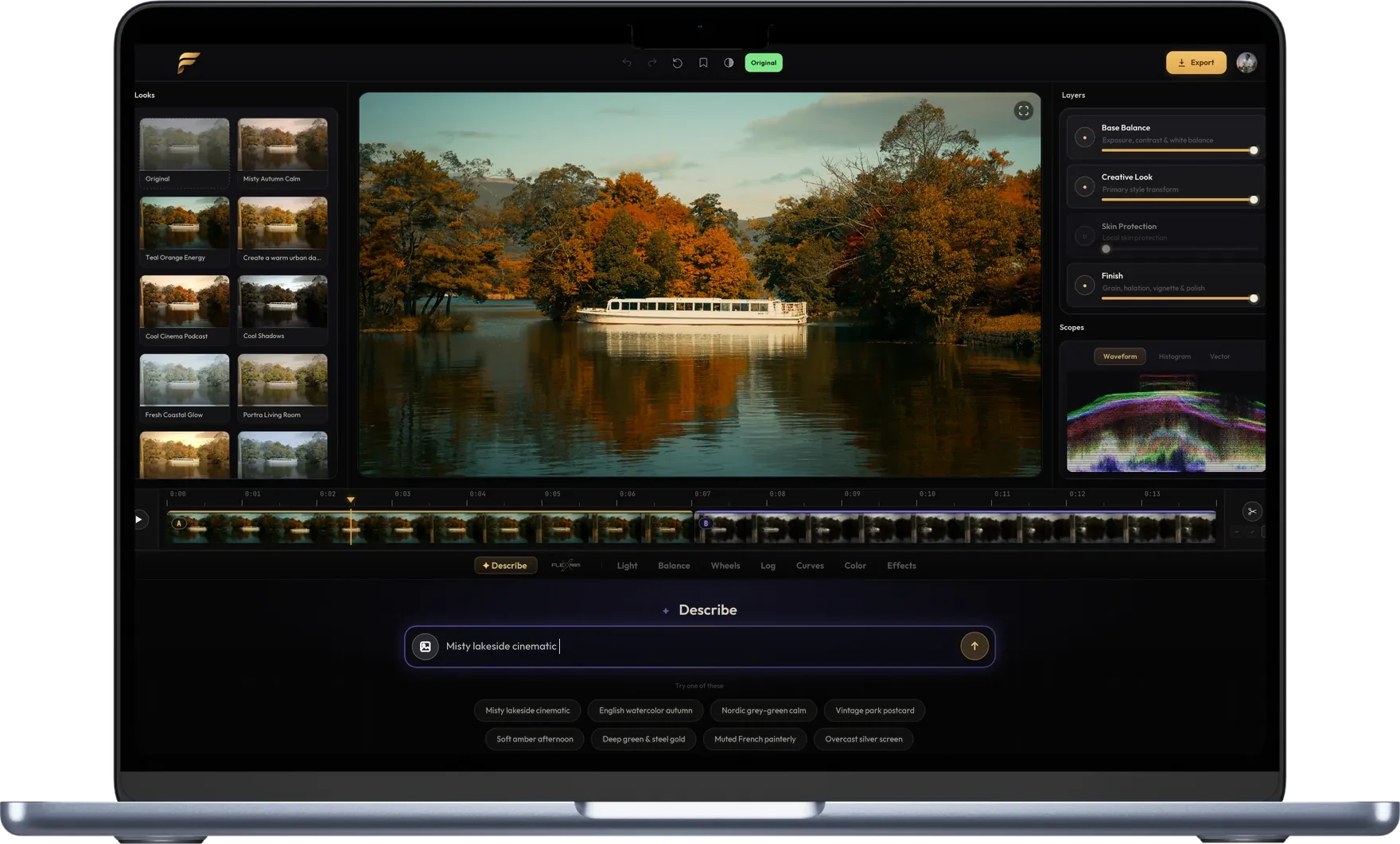
FauveA sentence or a reference image — photos and videos graded in seconds.
Mac · Windows · includes Mobile
One payment, yours for good
The signature looks loved by 35,000+ creators are all built into Fauve. Open a photo and AI picks the best matches first.
It reads the light and skin tones in your actual shot.
“Misty lakeside cinematic.” Say it like that, and it grades it like that. Or drop a reference image.
Skin sits on its own protected layer, so the look can go further.
When you want your hands on it, the tools are all here.
Grade a finished video as one piece — or split it on the timeline and give each segment its own look.
Any grade exports as a standard .cube LUT for Resolve, Premiere, Final Cut or OBS.
Import any number of photos; AI sorts similar shots onto tracks on-device, and each track grades as one.
Pro files a browser can't open, decoded right on your machine (ProRes RAW on macOS).
ProRes 422 HQ · DNxHR HQX — hand off to Final Cut, Premiere or Resolve.
VideoToolbox · NVENC · QSV · AMF — a GPU grading pipeline end to end.
Bake any clip's grade into a standard .cube and use it in Resolve, Premiere, Final Cut, or OBS.
Import a set of photos — no limit — group them by look, and grade the set to one look in one pass.
10-bit footage is decoded and previewed in 16-bit float — no downgrade along the way.
A look saved on desktop opens identically on your phone.
* Editing masters are platform-specific: ProRes on macOS, DNxHR on Windows (hardware required).
Full dynamic range kept, ready to finish on desktop.
A sentence or a reference image — graded in seconds.
Finds the person — grade the subject and background apart.
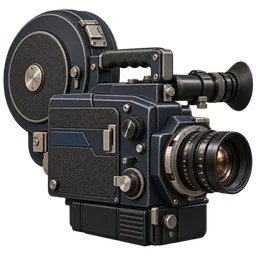
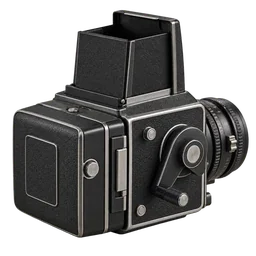
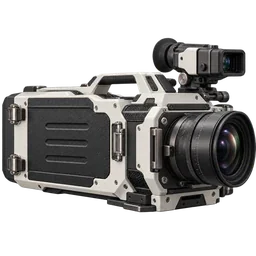
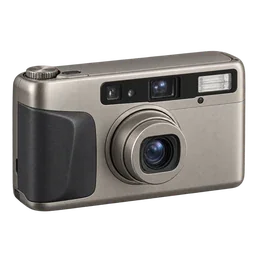
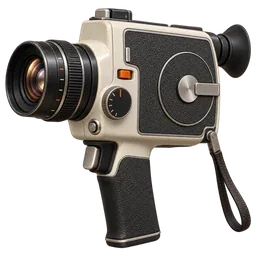
Pick a camera, then add a look and grade on top.
Up to 20 clips share one look, each with its own strength.
Exposure to HSL mixer — real knobs, tuned live on the shot.
Softens texture without the waxy look — three strengths, previewed live in the viewfinder.
* Depends on iPhone model — the app only offers what your device supports.
DownloadDesktop for native GPU power and pro exports.
All of Fauve — desktop, mobile and camera, the full look library, and every export format. 500 AI grades are included, and more can be added at any time.
A credit is used when the AI generates a new look — one per generation, for a photo or a clip of any length. Adjusting a look, re-applying a saved one, the remaining clips in a Color Track and every export use none. A generation that fails is not counted.
Refunds follow your local statutory consumer rights — we don't offer discretionary refunds.
Photos: JPEG, HEIC, PNG, TIFF and RAW (ProRAW, ARW, CR3, NEF, RAF). Video: H.264, HEVC, ProRes and DNxHR, including Log and 10-bit.
Photos: JPEG, PNG, 16-bit TIFF. Video: HEVC, with editing masters in ProRes on Mac and DNxHR on Windows. Any grade can also be exported as a .cube LUT for use in other color software.
Fauve uses a new account system, so a fresh sign-up is required — Apple, Google or email, a few seconds. Nothing needs migrating: the FlexPresets signature looks are already built into Fauve.
 Beauty
 Obsidian
 Milk Tea
 Blue
Blue White
White Cars
Cars Black & White
 Pink Euphoria
 Forest
 Horizon Explore
 Travel
 GR Light
 Cinematic
 Teal & Orange
 Moody & Brown
 Foodie
 Cinematic Twilight
 Japanese
 Memory
 Portrait
 Wedding
 Bangkok
 Muted Earth Tone
 Gorgeous Dim
 Studio
 Golden Chocolate
 Espresso
 Fuji Film
 Modern Dark Street
 Neon
Neon Retro Film
 Ocean
Ocean Golden Hour